Ok I have the drawing surface color-corrected. However at the moment the color picker is sampling the display-referred space instead of the internal reference, resulting in this madness:
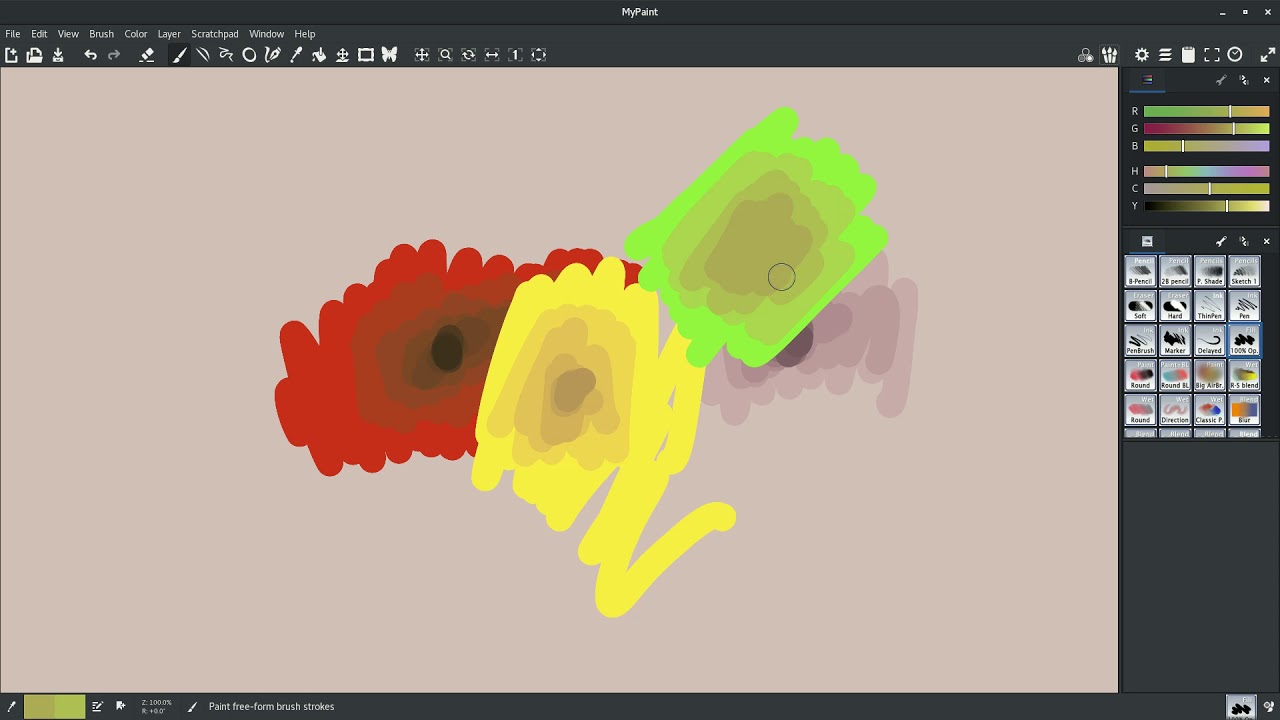
This video is actually pretty interesting because you can see exactly how the color management is working (Besides the obvious malfunction). For red, each time I pick the color the new color is a different “red” It’s a bit darker but also the hue angle shifts just a bit. Same with Blue. This is because Adobe RGB is “supposed” to have the exact same colored LEDs for Red and Blue. Obviously my monitor is just a bit off. However, Adobe RGB has a very different green compared to sRGB (rec 709). So, when I color pick my green, each subsequent correct changes the hue angle a LOT. It’s almost turning red by the time I get to the middle. Here is the spread for each RGB:
Red: 0 degrees to 32 degrees
Green: 120 degree to 49 degrees (and I only did a few steps compared to R and B)
Blue: 240 degree to 247 degrees
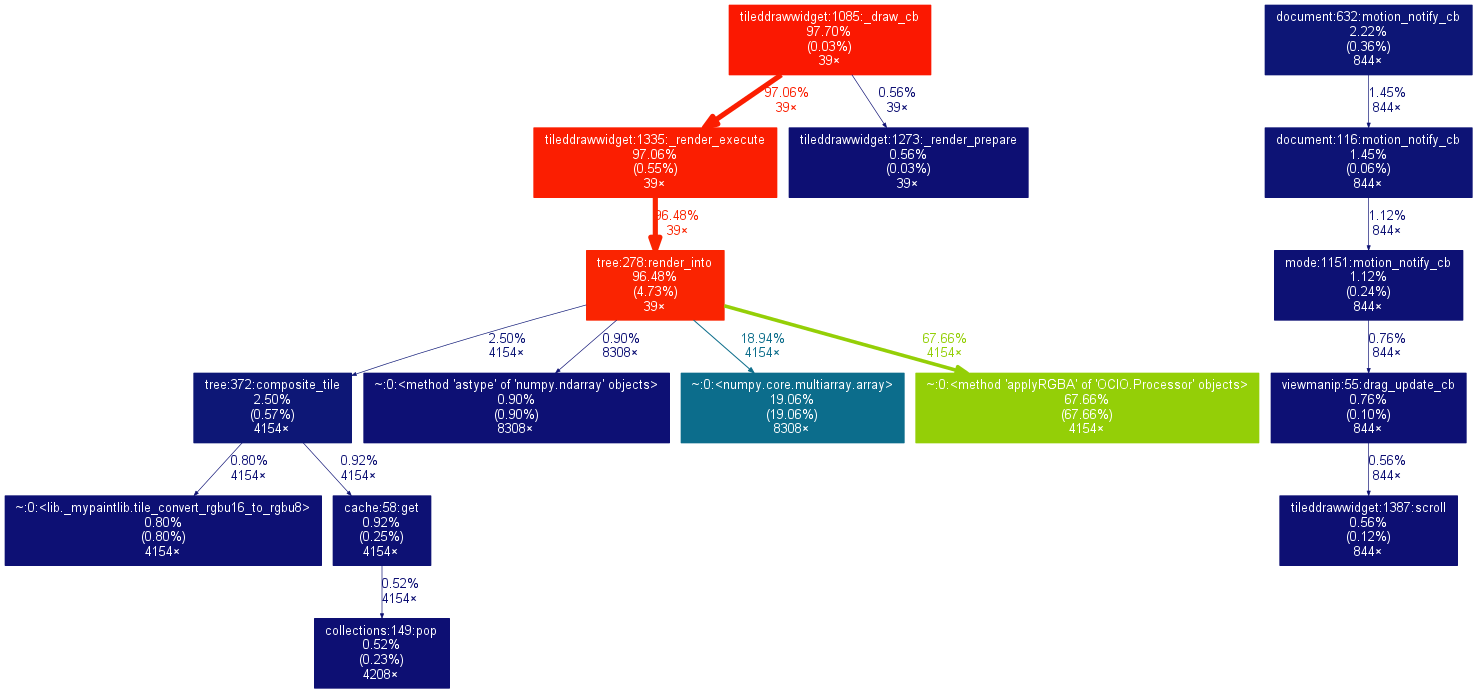
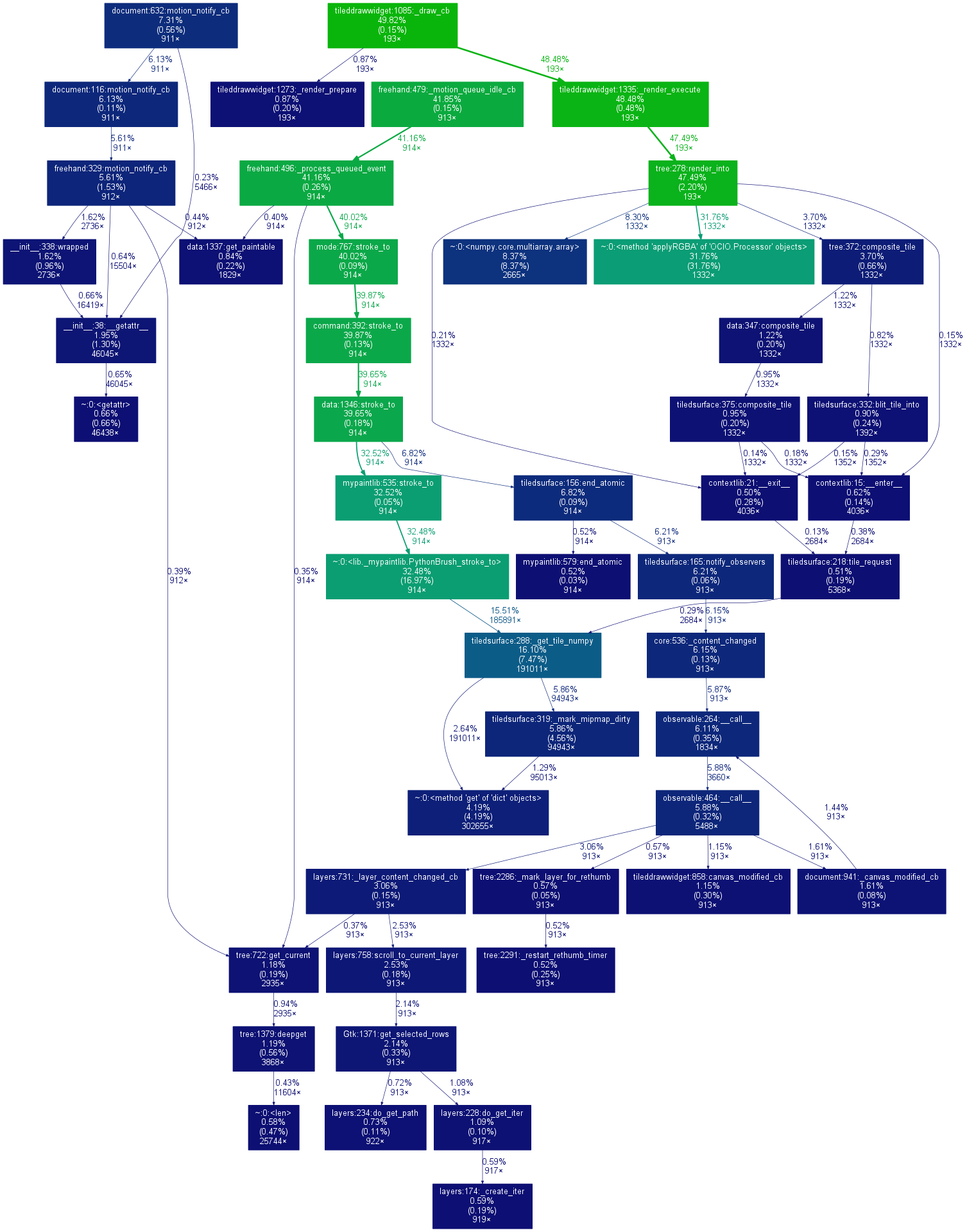
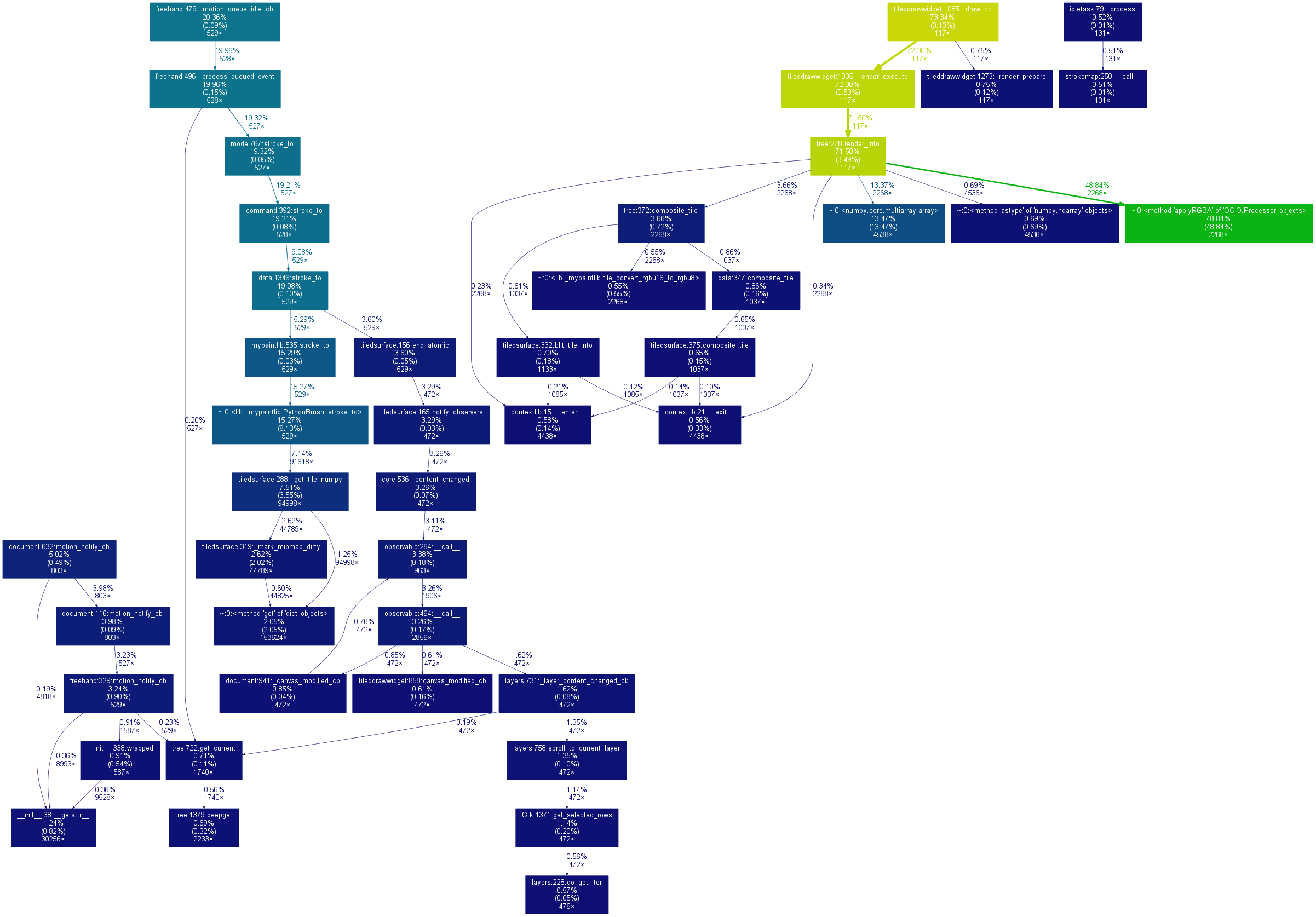
Performance is really bad when panning, moving layers. The most important thing, drawing, is actually pretty fast and almost not an issue. Right now I’m using Python OCIO and they hint that you should use C++ for high performance applications. MyPaint already uses C++ here and there for pixel operations so I’m going to look at moving it all over to c++ for OCIO stuff.
In the video above, the colors look a dulled because it is meant for an Adobe RGB monitor (MY monitor, specifically). However, when I save the file to disk and open in GIMP, for instance, the color picker returns 255,0,0 for red, 0,255, 0 for green, etc. This is GOOD, it is preserving the internal reference without any display correction.
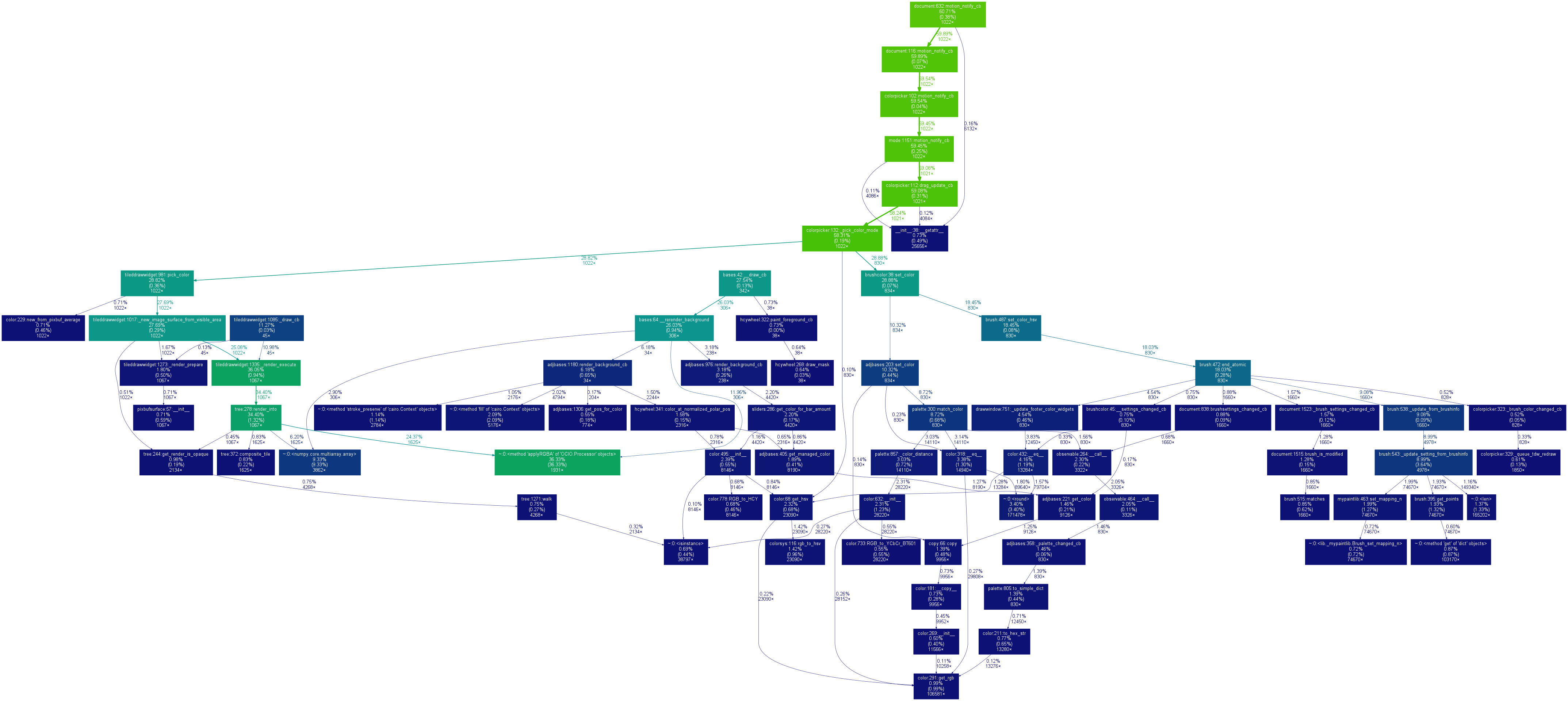
Here’s a few quick profiling snapshots:
drawing:
moving layer:
color picking:
panning view: